


Apple CarPlay & Android Auto on Linux and macOS
Standalone Apple CarPlay and Android Auto head unit for Linux and macOS
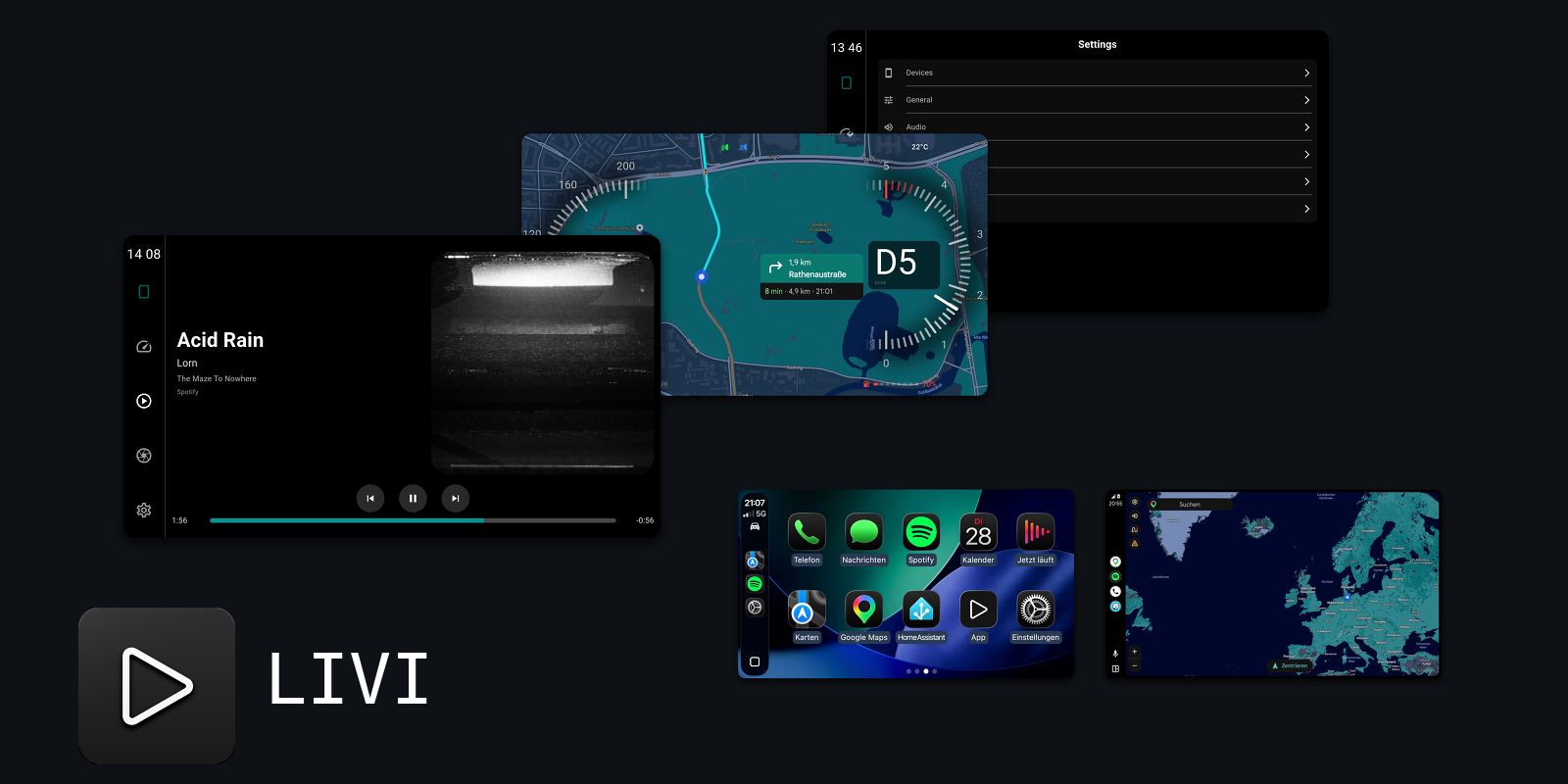
LIVI - Linux In-Vehicle Infotainment - is an open-source project that provides a standalone Apple CarPlay and Android Auto head unit. Built in Rust with a Slint UI, it runs on Linux desktops and ARM-based embedded platforms such as Raspberry Pi, with pre-built releases also available for macOS.
Features
- Apple CarPlay Ultra (wired & wireless) on Linux and Mac, requires MFi authentication
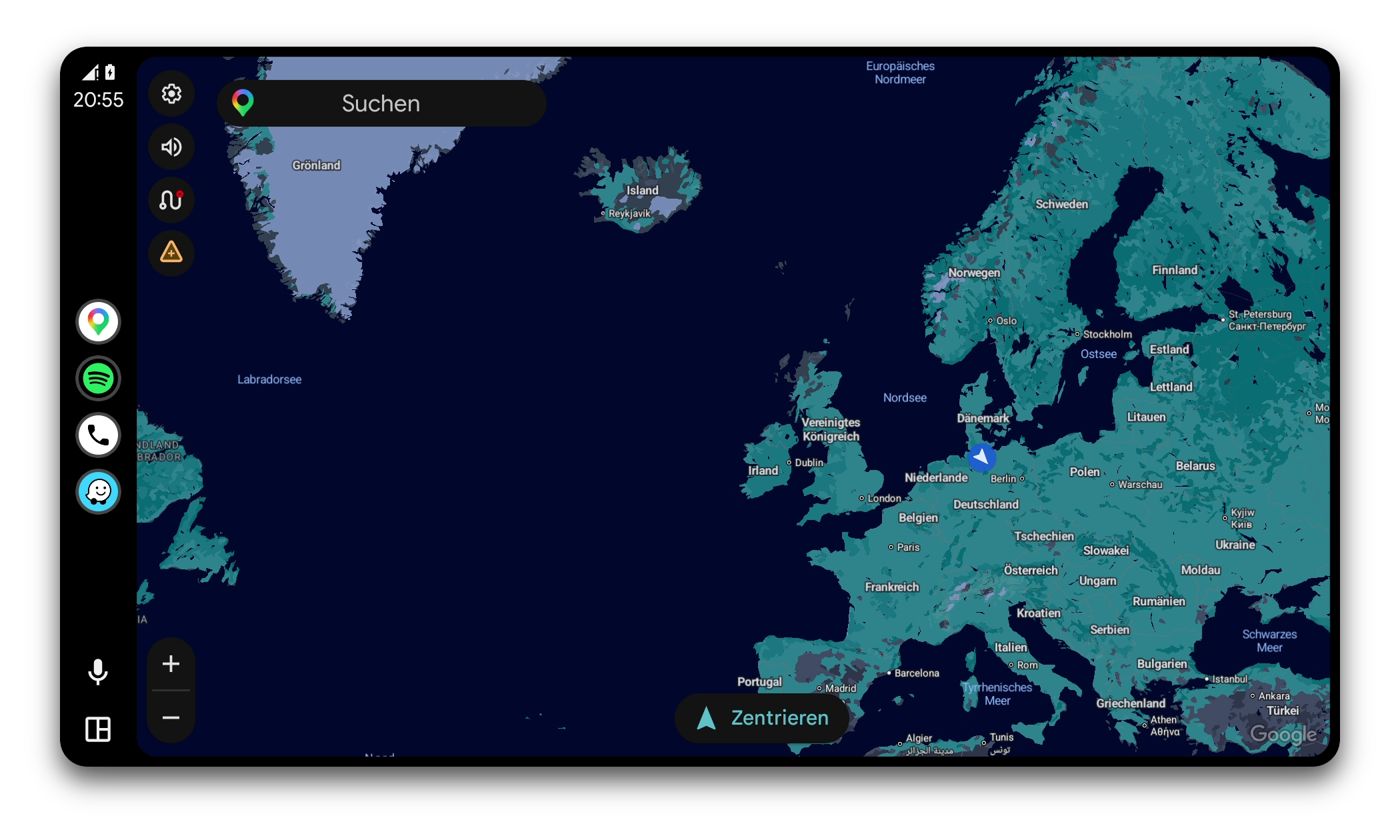
- Android Auto (wired & wireless) on Linux and Mac, wireless on Mac requires a LIVI Link
- Multi-session with live switching between connected phones
- Video in the car (AirPlay video while parked, no FairPlay-protected content)
- Native, zero-copy video pipeline via GStreamer (hardware-accelerated decoding)
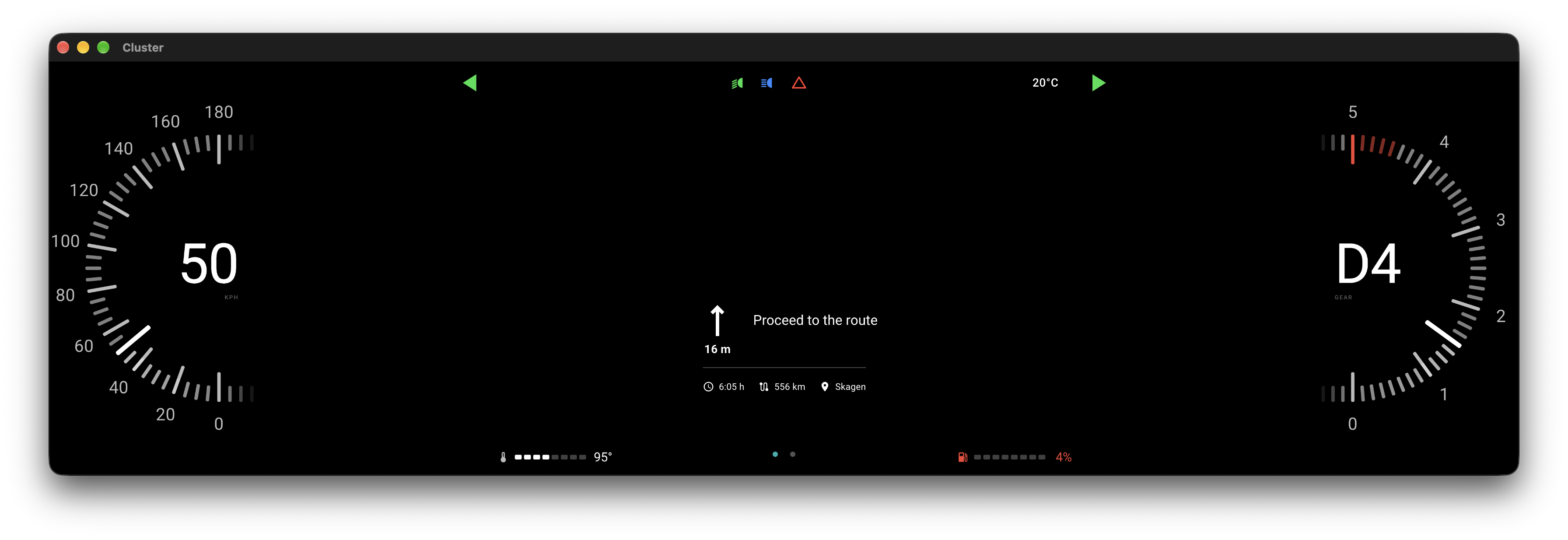
- Main and instrument cluster video
- Turn-by-turn navigation data
- Climate control in the CarPlay dock
- Radio, Climate and Car apps*
- Extended vehicle data*
- Car maker themes*
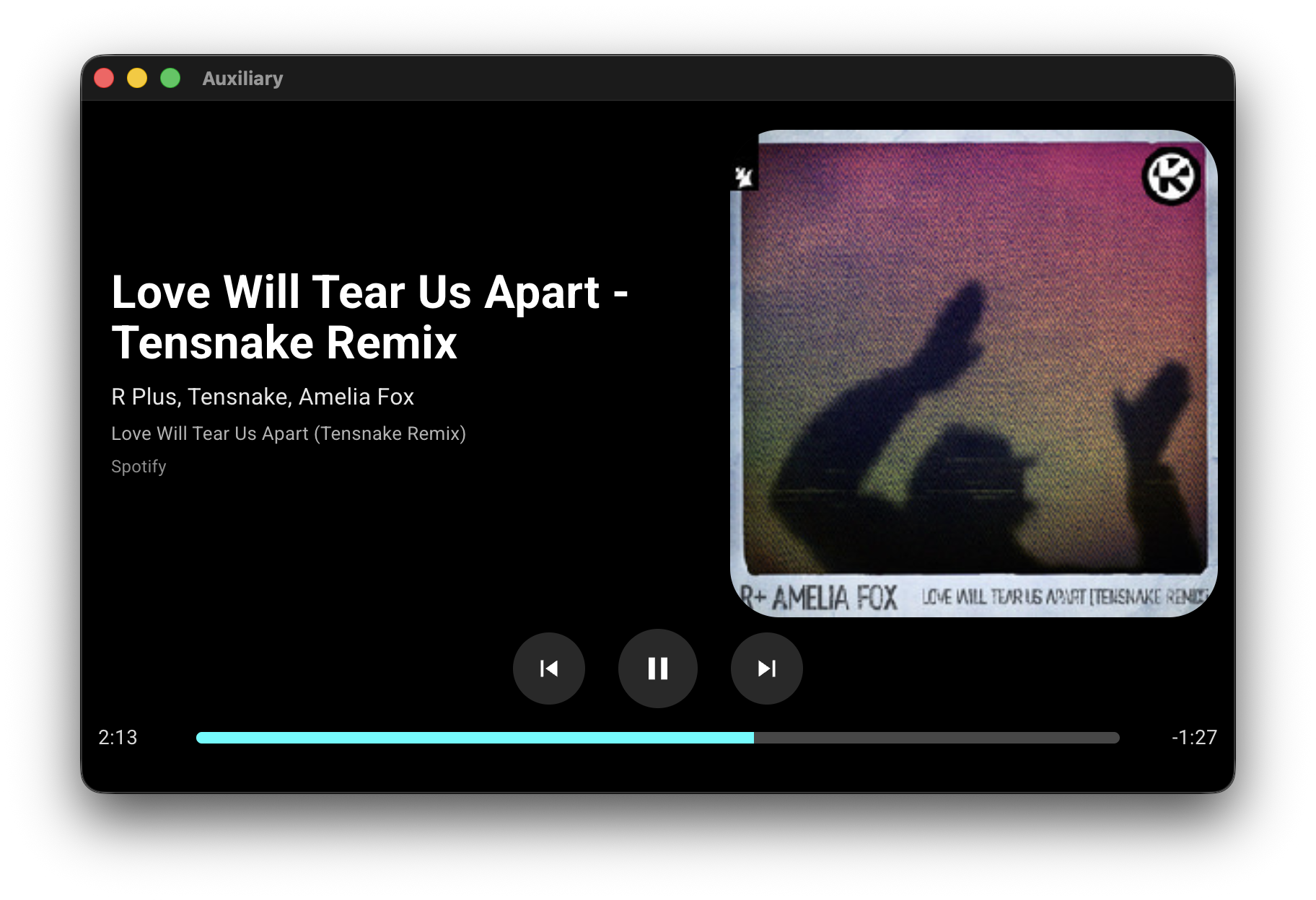
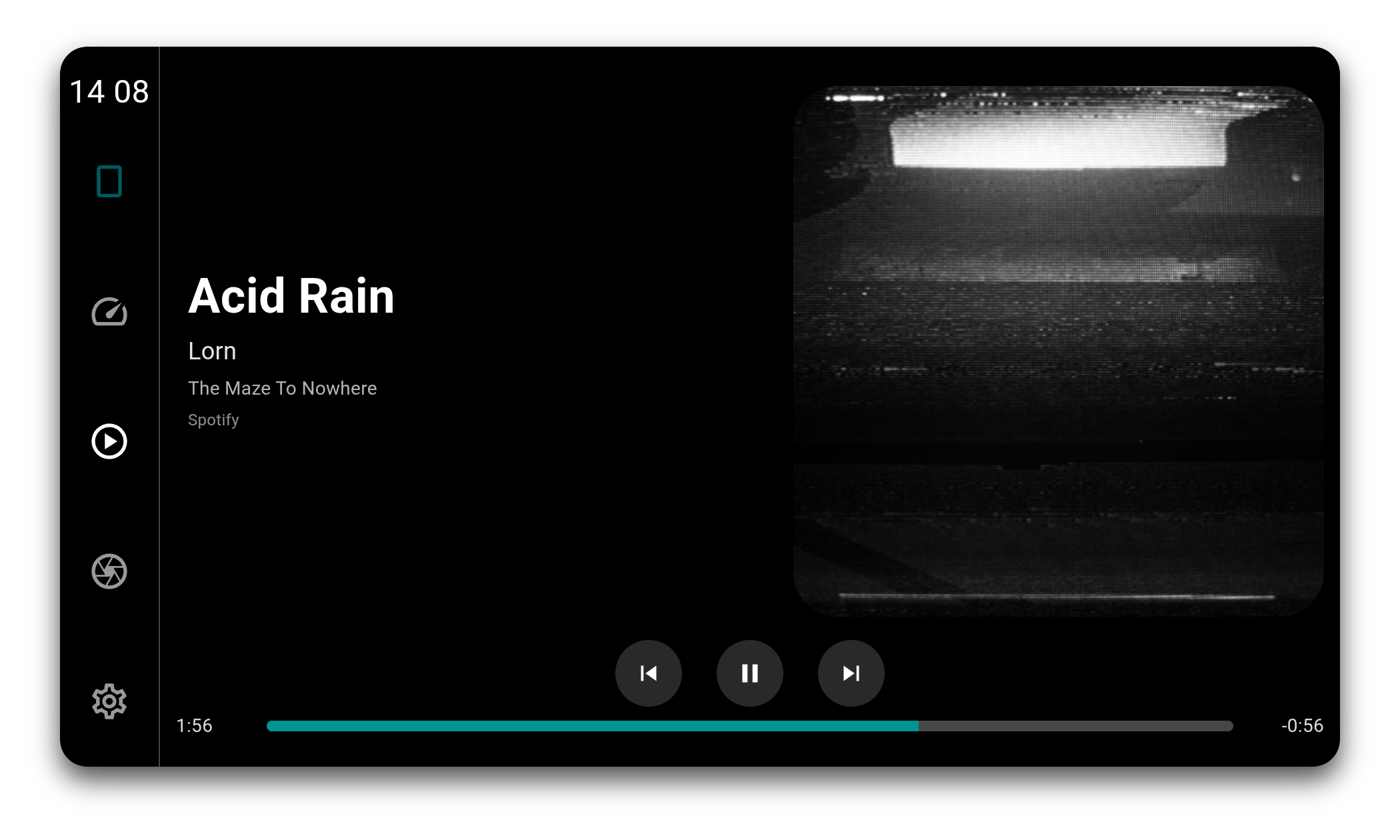
- Now-playing metadata incl. album art
- DAB+ radio via USB RTL-SDR
- Unified low-latency audio backend via GStreamer
- Microphone input support for voice assistants and phone calls
- Touchscreen and multi-touch support
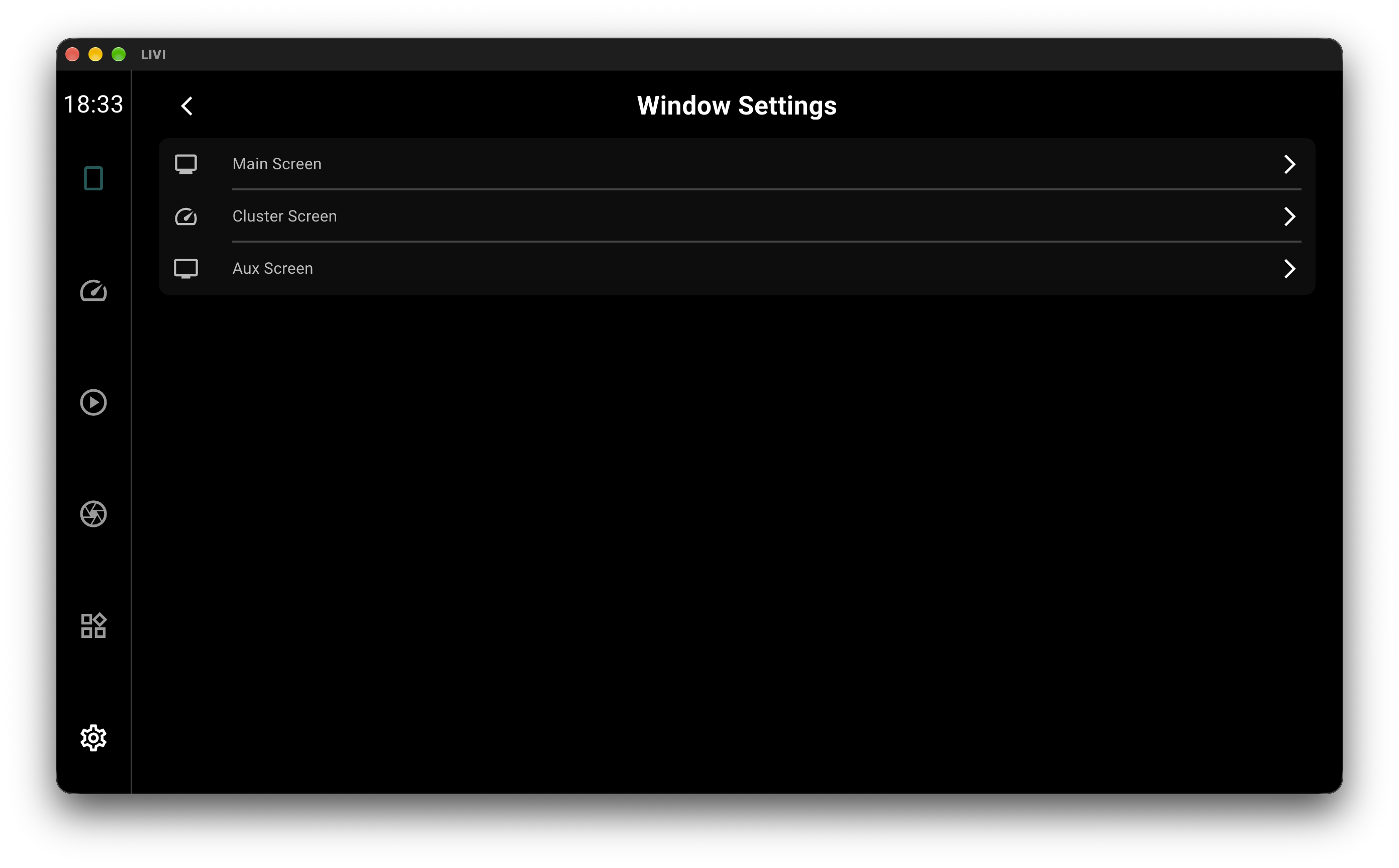
- Multi-Display support with flexible routing
- Full non-touch navigation via D-Pad and button controls
- UI optimized for low-resolution OEM in-car displays
- Hardware-accelerated H.264, H.265, VP9 and AV1
* CarPlay Ultra only
Wireless
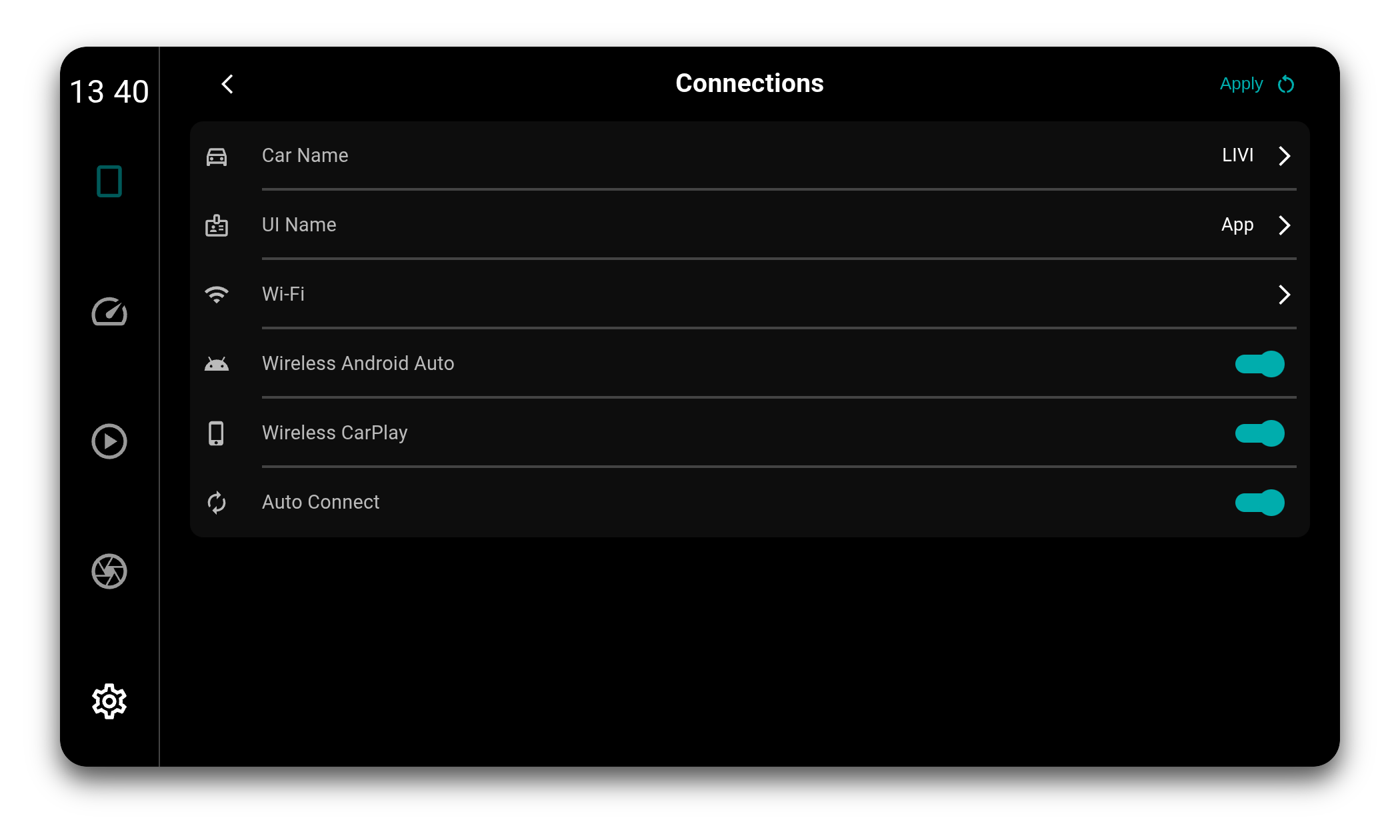
Wireless sessions do not need a router. LIVI brings up its own Wi-Fi access point and the phone joins that, with Bluetooth carrying the pairing and the handover. Wireless CarPlay and wireless Android Auto are enabled separately, and a phone that has been paired before is picked up again on its own.
Multi-Session
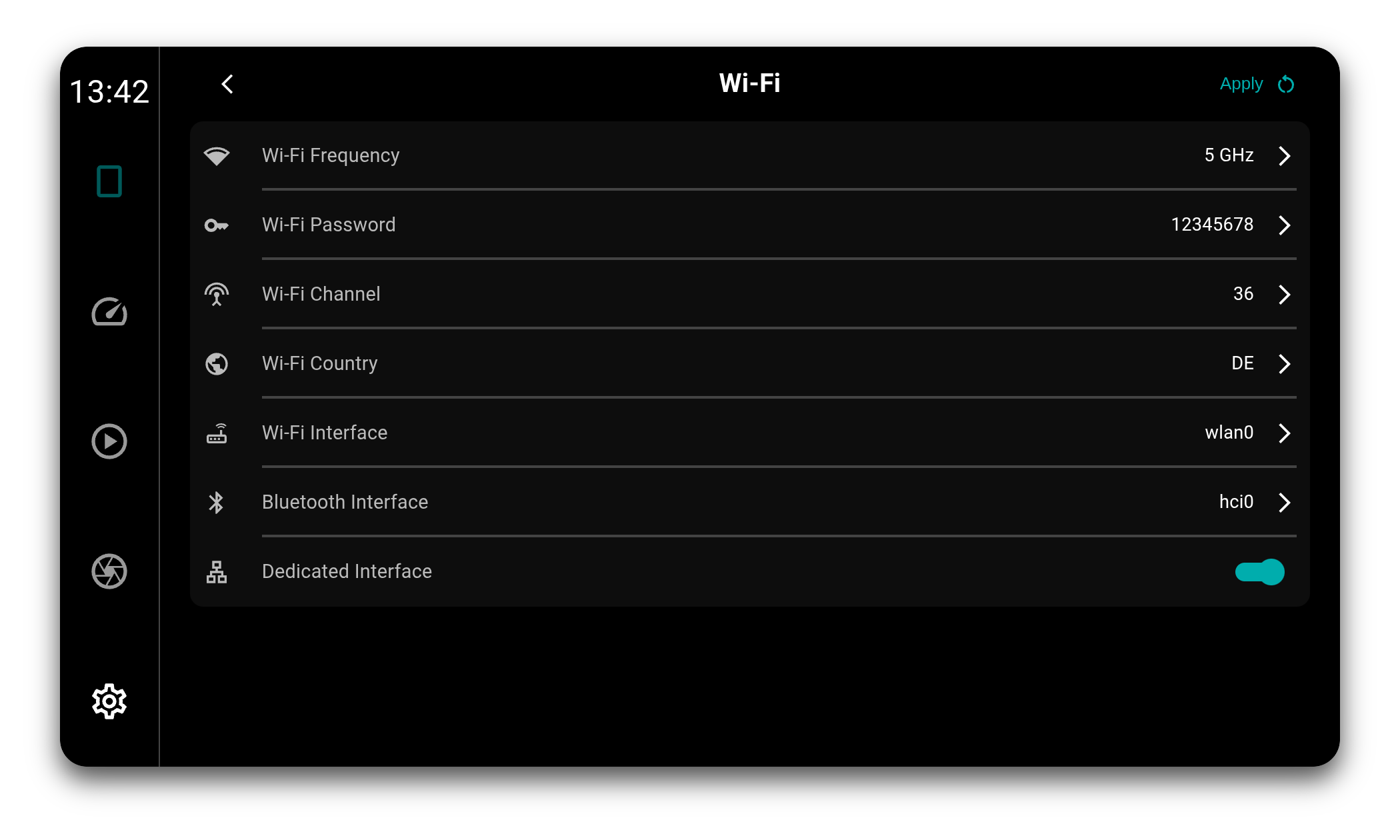
Several phones can be connected at the same time, and all of them are tracked live: state, battery, signal, media metadata and turn-by-turn navigation stay current in the background, not just for the phone on screen. Switching is a handover rather than a reconnect, so bringing another phone forward takes milliseconds.
CarPlay and Android Auto can be mixed, over cable and Wi-Fi alike.
Display Calibration
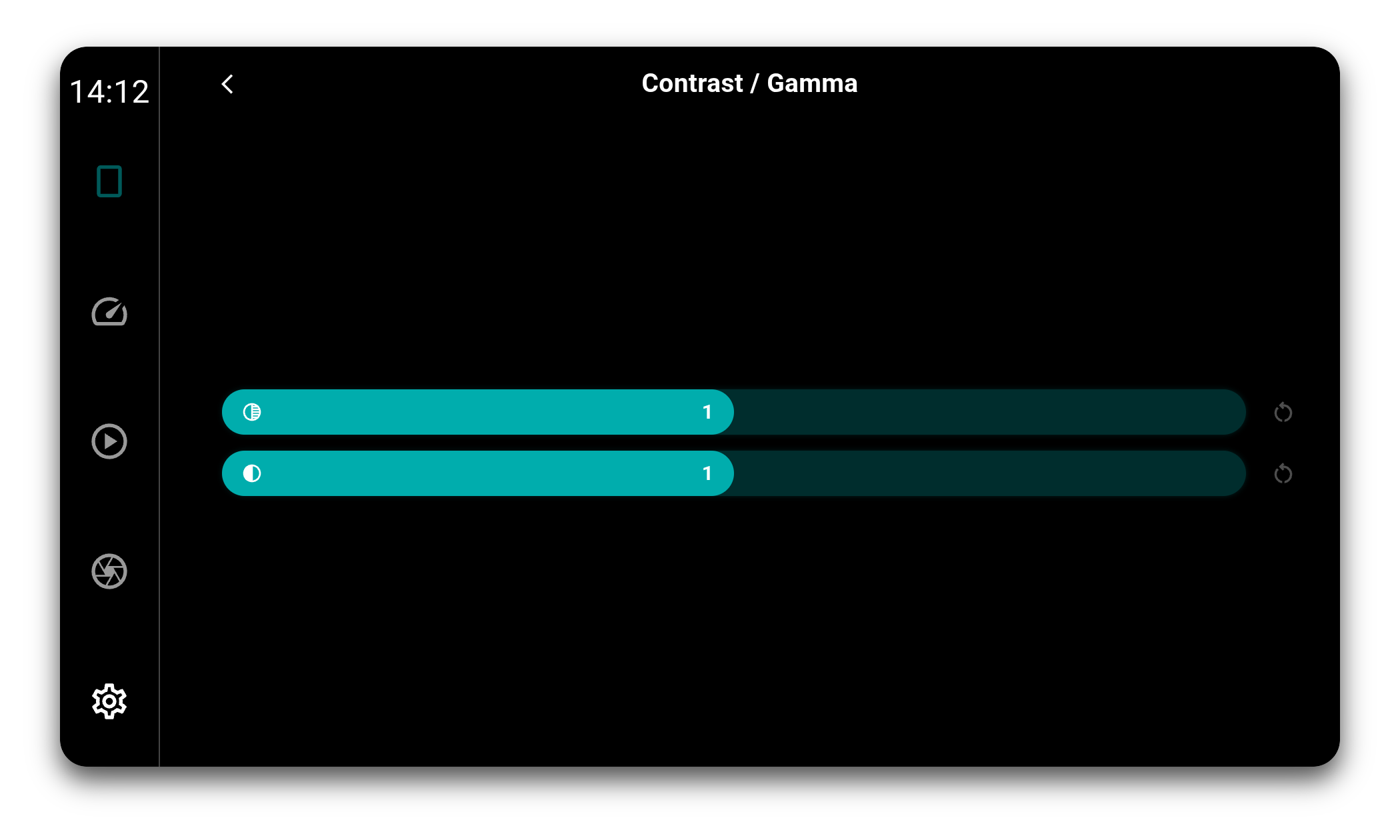
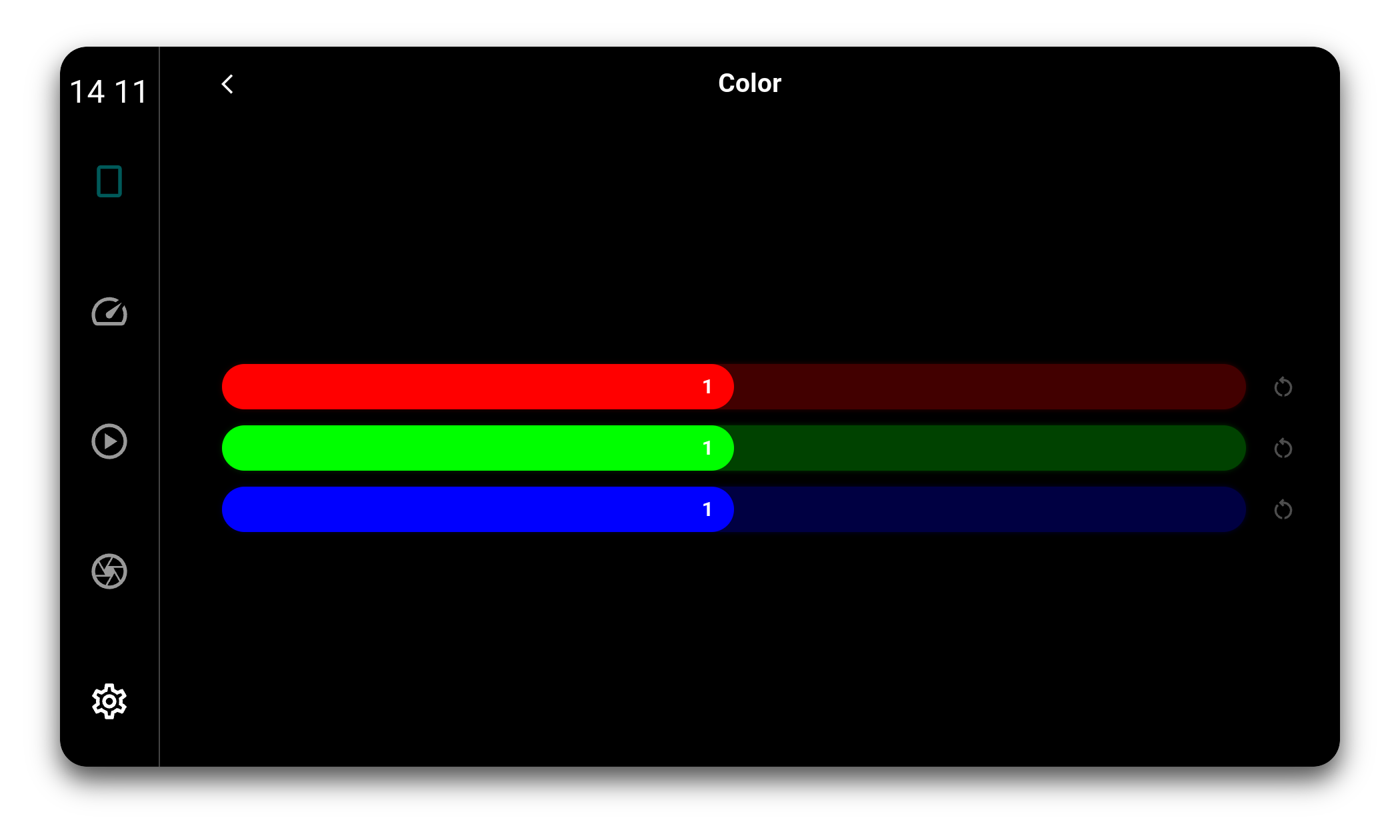
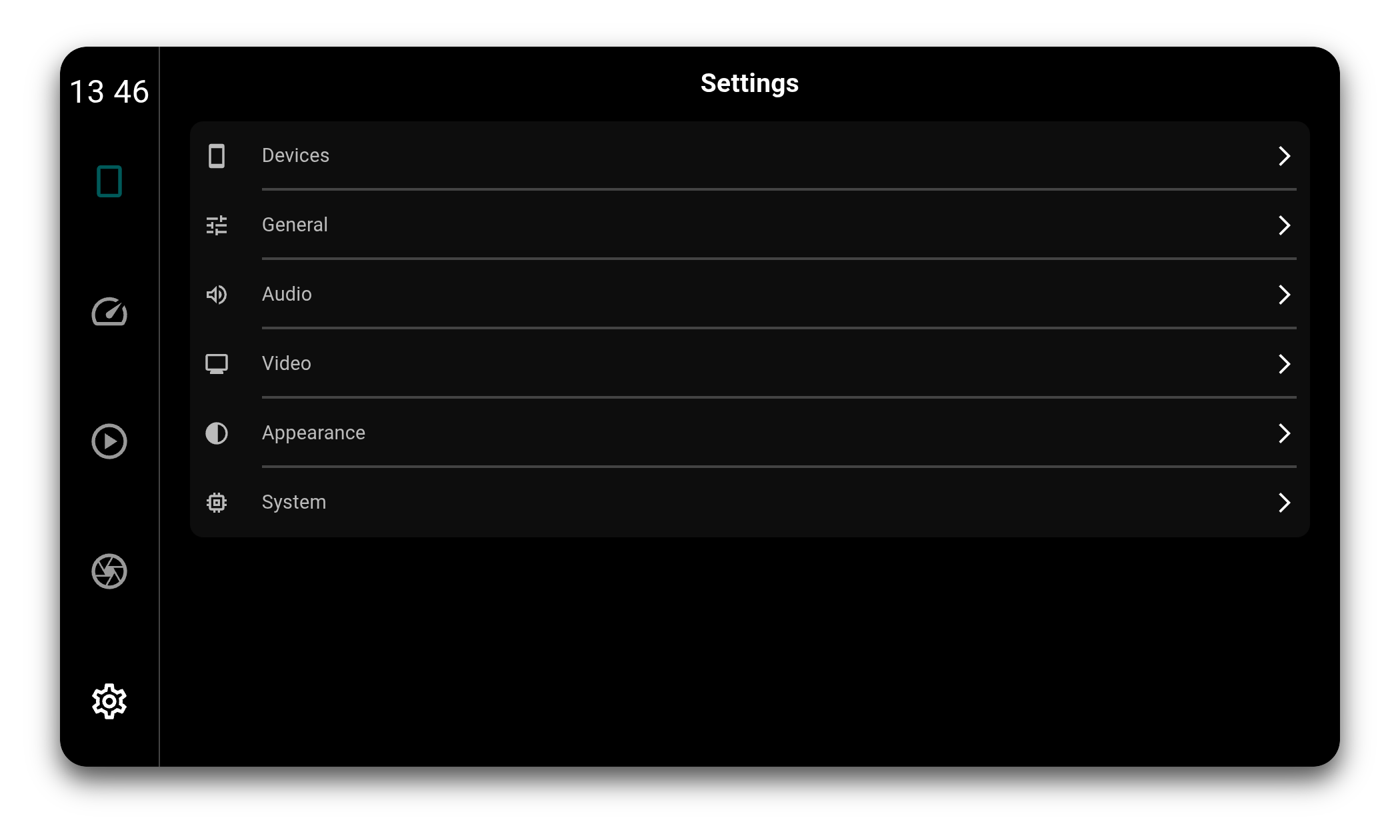
Car displays are rarely colour accurate. Gamma, contrast and the red, green and blue channels can be corrected in software, applied by the compositor in a single pass over the finished frame. That covers the LIVI interface, the dashboards and the projected CarPlay or Android Auto video alike.
Climate
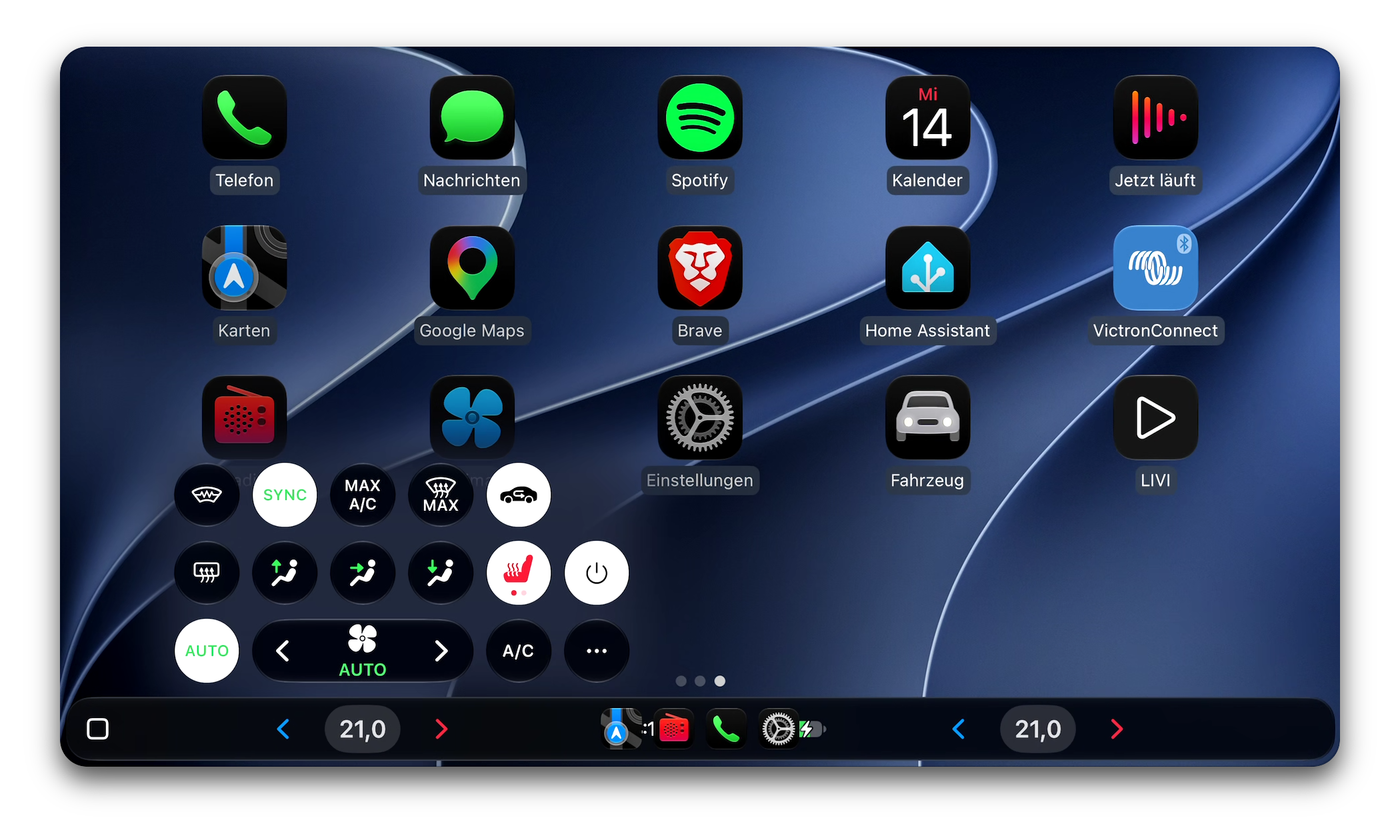
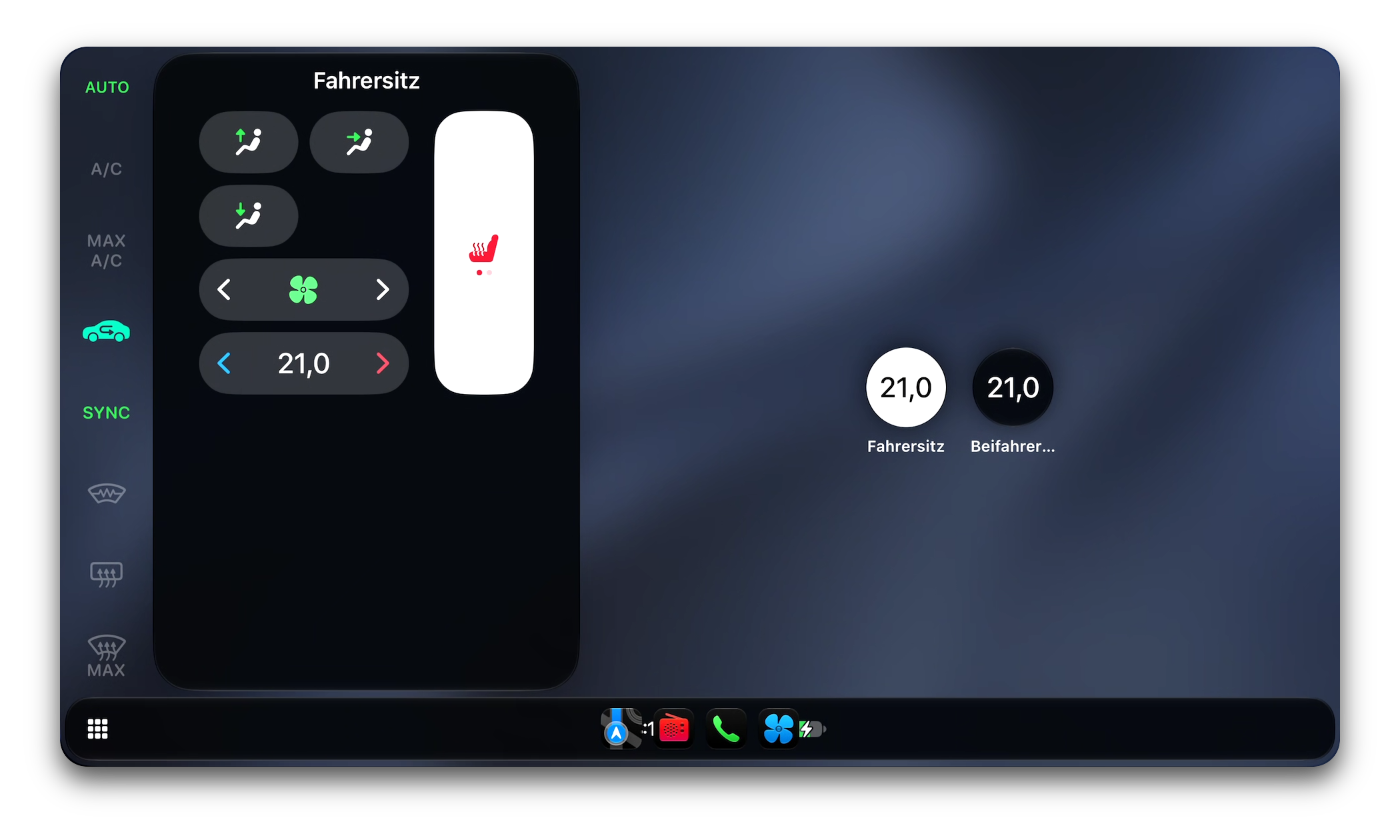
LIVI describes the car's climate to CarPlay, and the phone draws the controls itself, from both front seat temperatures in the dock to the full climate panel. Every control works both ways: a change on the phone lands in LIVI's telemetry, a value coming from the car reaches the phone. Covered are AUTO, A/C, MAX A/C and MAX defrost, recirculation, synced zones, fan and vents, window heating and two-step seat heating.
Multi-Display
LIVI can run as multiple windows at once. The Dash and Aux windows are freely assignable and can show the dashes, the reverse camera or the media player. Assignment is not exclusive: any feature can be shown on one, several, or all windows at the same time.
Supported Hardware
LIVI runs on:
- Linux desktops (Debian, Arch, Fedora, Ubuntu etc.)
- Raspberry Pi OS Trixie (Pi Zero 2 W, Pi 3, Pi 4, CM4, Pi 5, CM5)
- Other arm64 and x64 Linux devices (AppImage), including non-Pi SoCs
- Mac (arm and intel)
Video is decoded on the platform's hardware decoder and stays on the GPU end to end through the zero-copy GStreamer pipeline, on the Raspberry Pi 3 and up as well as other Linux systems.
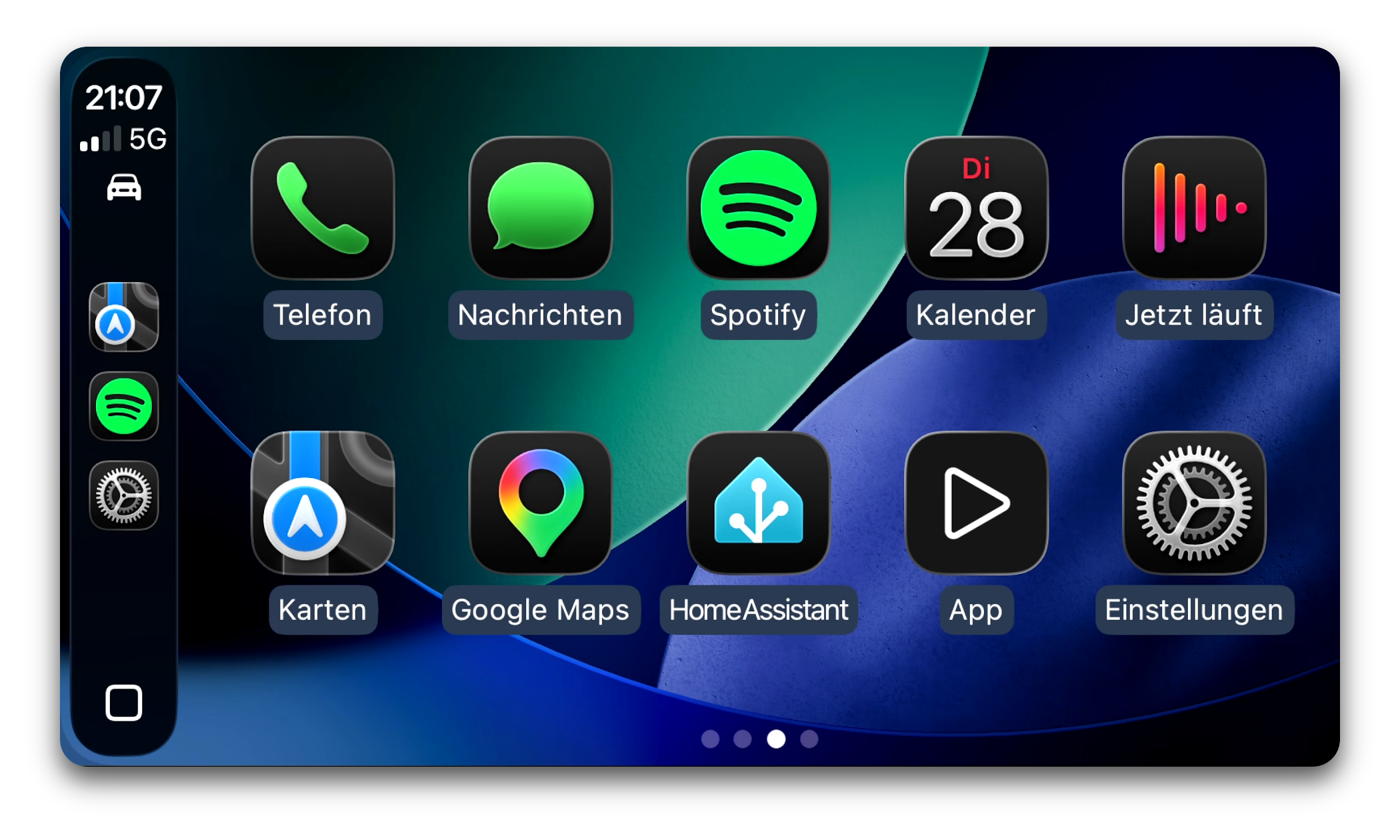
Apple CarPlay and Android Auto are supported natively. Native CarPlay (wired & wireless) runs on Linux and on Mac and requires MFi authentication (see below), either from a coprocessor on the board or from a LIVI Link. Android Auto (wired & wireless) is native on Linux and on Mac, wireless on Mac requires a LIVI Link.
Installation
Pre-built binaries for Linux and macOS are available here: https://github.com/f-io/LIVI/releases
How it works
LIVI implements the CarPlay and Android Auto accessory side natively, wired and wireless, on Linux and on macOS. Wireless sessions run over LIVI's own Wi-Fi access point with Bluetooth pairing, wired sessions run directly over the USB cable. Video is decoded on the platform's hardware decoder and stays on the GPU end to end through the zero-copy GStreamer pipeline.
Native CarPlay authenticates against the phone with an Apple MFi coprocessor (see below). Android Auto needs no extra hardware.
MFi Authentication
CarPlay requires the accessory to authenticate against the phone. The usual way is an Apple MFi authentication coprocessor, a hardware chip that cannot be emulated and that LIVI neither ships nor bypasses. Two routes:
- On the board: a coprocessor wired to the I²C bus
- Over the network: a LIVI Link
Both routes work on Linux. A Mac has no I²C bus to put a coprocessor on, so there the LIVI Link is the only one.
LIVI does not support Apple's Basic Accessory Authentication on macOS, but may in the future.
Without one of these, native CarPlay is unavailable. All Android Auto paths work regardless.
Build Environment




Screenshots
Documentation
Detailed setup steps can be found in the GitHub repository: https://github.com/f-io/LIVI
Community
Questions, help and general chat happen on Discord, a good first stop to talk to other users before opening a GitHub issue.
Contributing
Contributions are welcome. Issue reports, pull requests and hardware compatibility findings help improve the project.
Disclaimer
Apple and CarPlay are trademarks of Apple Inc.Android and Android Auto are trademarks of Google LLC.
This project is not affiliated with or endorsed by Apple or Google.
All product names, logos and brands are the property of their respective owners.